 Products
 Products
 Support
 Support


 中文
中文 Eng
Eng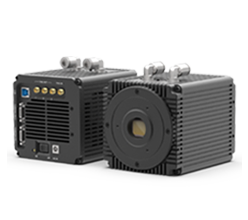
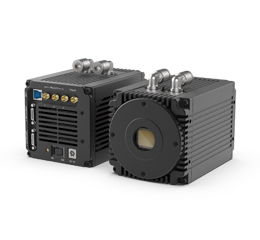
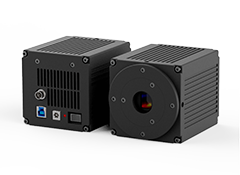


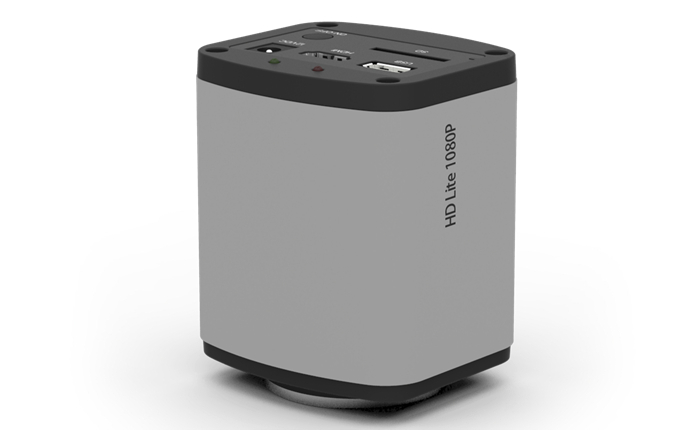
5,000,000 pixel CMOS camera
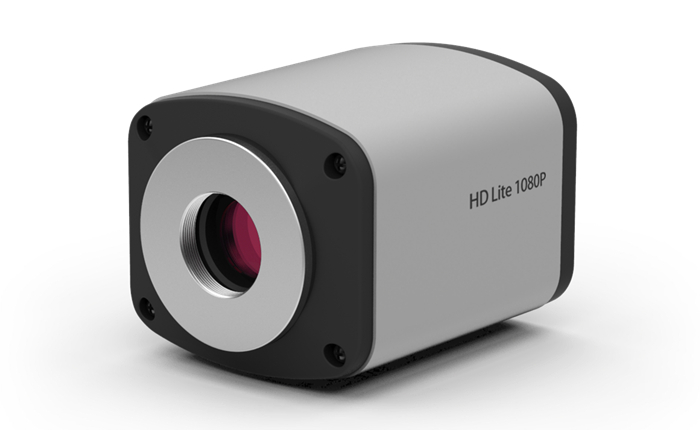
HD Lite uses a new 5 megapixel HD image sensor. The detail is more clearly presented, providing for excellent image quality.

Built- in Mouse Control
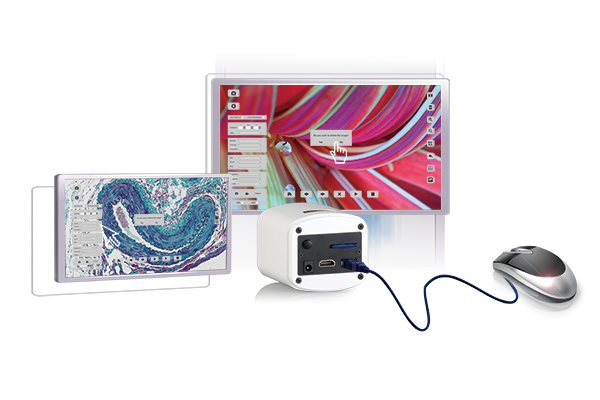
The significant innovation of HD Lite is embedding the application software inside the camera. The user can control the camera with just a mouse. There is no need for a PC.
Superb Smart Camera
HD Lite automatically analyzes the acquired images and optimizes the white balance, exposure time and saturation, to present perfect images. Whatever for bright field bio imaging or dark field birefringent crystal imaging, HD Lite delivers ideal images, barely needing any parameter adjustment.
The less Icons the Better
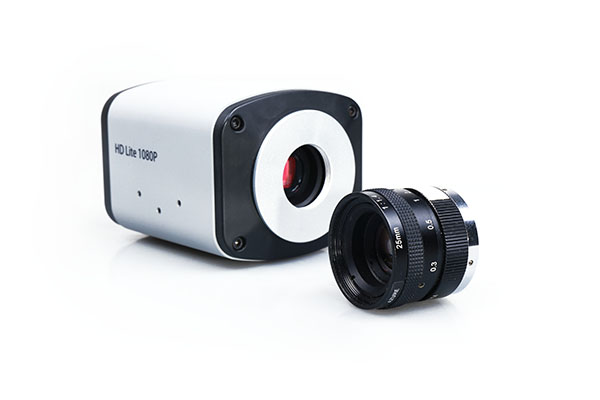
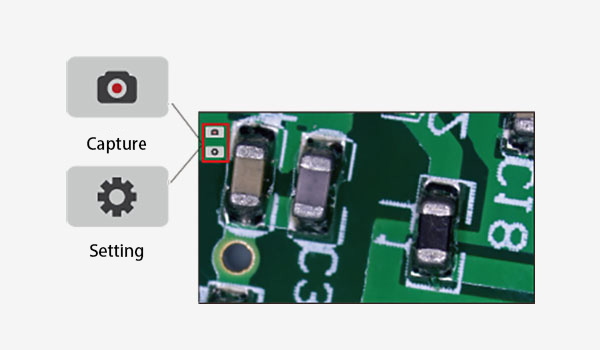
HD Lite embedded software is designed for ease of use. There are only two icons on the software starting screen, one for image capture and the other for the settings menu. It’s as intuitive as asmartphone.
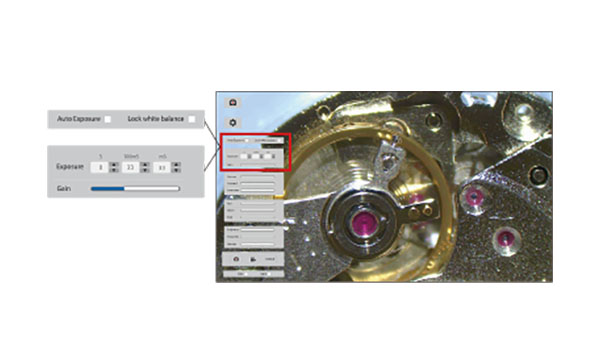
Exposure Setting
For the first time, an HDMI camera is equipped with complete exposure and gain settings. It allows to exposure settings from 1ms to up to 10 seconds and 20 levels of gain adjustment. Compared with 1st generation TrueChrome where only auto exposure was available, the ease of use has been significantly improved and moreover, the sensitivity is 300 times higher.
3D Noise Reduction
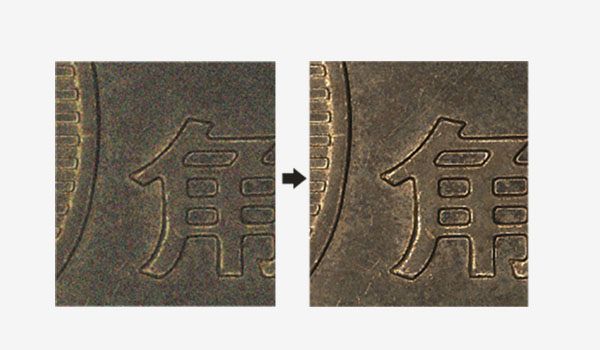
An increase of the exposure time increases the image noise. But the integrated 3D noise reduction function keeps the HD Lite image always clean and sharp. The following comparison images show the amazing 3D noise reduction effect.
1080P Video Recording
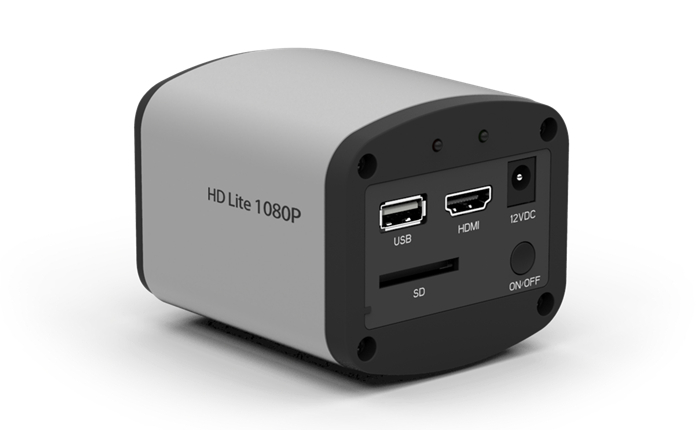
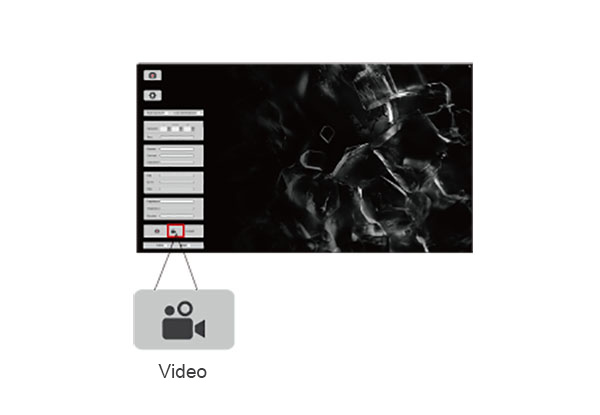
Just click on the button to start recording 1080P videos at 15fps. The recorded video files will be saved to the high speed SD card directly. It is also allows playback the videos in the SD card directly.
Get more Details with ROI Magnification Function
A series of image operation buttons on the right side of the screen allows the image to be flipped, rotatedor a Region of Interest (ROI) to be selected. The ROI function can help to get more image details throughmagnification.
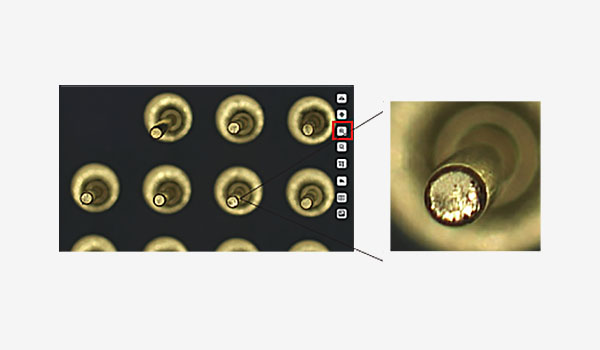
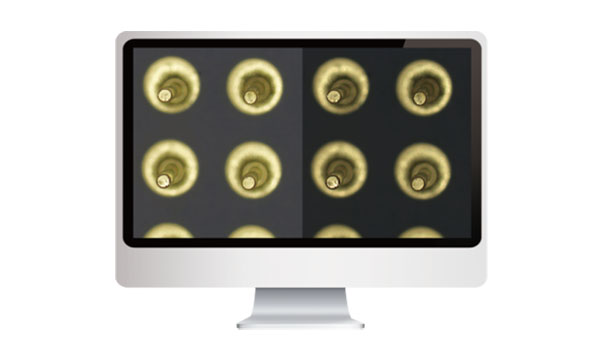
Image Comparison Function
The image comparison function is available in the setting menu. An image can be chosen to compare with the live image and even movedaround or have a ROI selected.
The FPGA dual-core processor
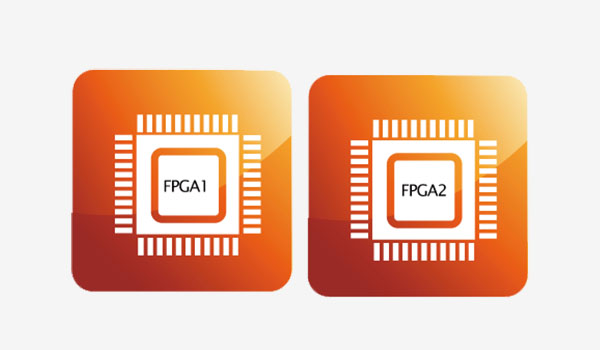
HD Lite adopts innovative FPGA dual-core processor, FPGA1 high-definition image quality processor and FPGA2 image output controller, to ensure high speed high quality images.